


Getting Started Guide
On this page
Welcome to SDK.finance
Whether you are discovering the products, evaluating them for a new project, or preparing for implementation, this guide gives you a clear starting point. You will learn which product fits your needs, what each interface is used for, and how to approach your first demo. The guide then covers the technology, integrations, implementation stages, and licensing choices to consider when planning your project, with links to detailed documentation throughout.
For detailed explanations of product features, configuration, and integrations, visit the SDK.finance documentation. Use the guides alongside the API reference when planning technical work or looking for instructions for a specific task.
What is SDK.finance?
SDK.finance is modular, API-first FinTech Software for building digital banking and payment products on a ready-made transaction core.
It combines account management, payment processing, and financial records with configurable business rules and ready-made interfaces, helping businesses launch and operate services under their own brand.
Your first steps with SDK.finance
1. Identify the product you need
Begin with Overview to understand the two products. Transaction Platform manages customer accounts, balances, and financial operations. General Ledger converts financial events into accounting entries and can work with your existing transaction system. Identify whether your project needs transaction processing, a separate accounting layer, or both.
2. Get familiar with the interfaces
Follow the product walkthroughs from the perspective of the people who will use the software:
- Admin Panel: review customer information, inspect balances and transactions, and manage product settings.
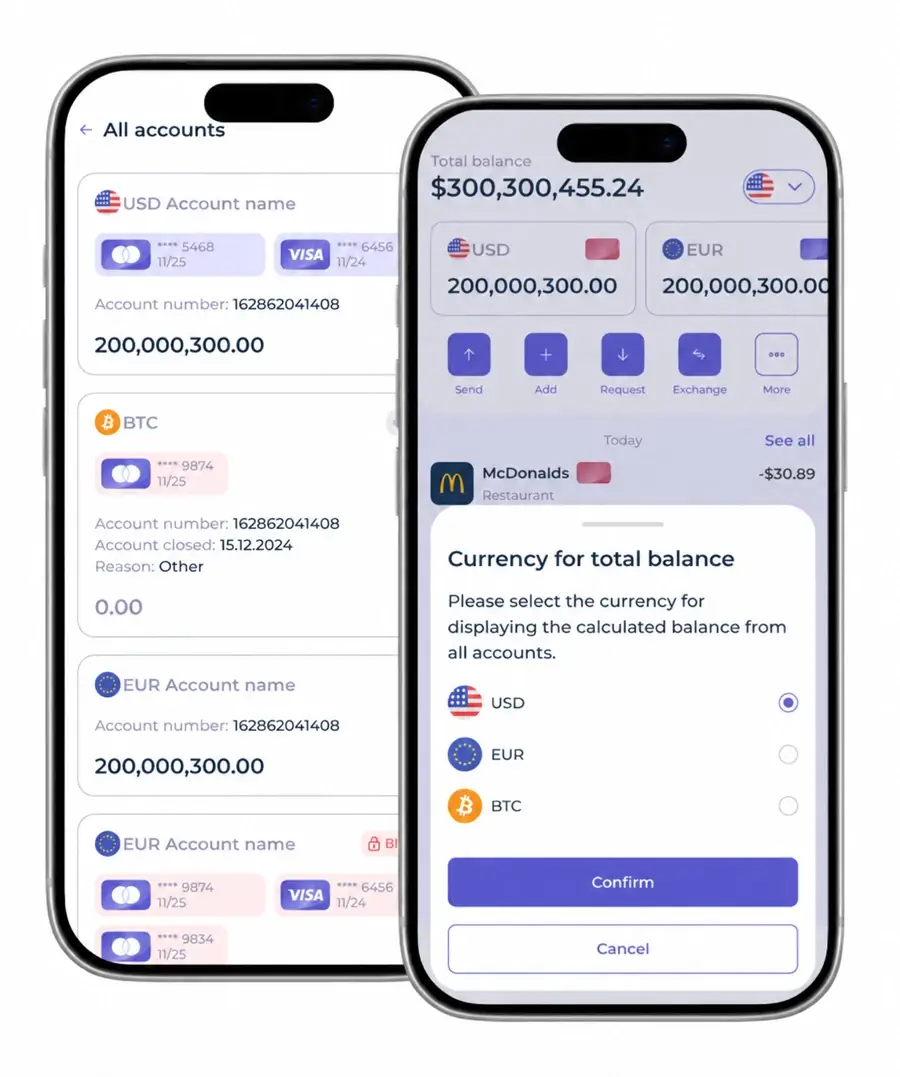
- End-user Apps: follow individual and business customer journeys, from registration to account access and payments.
- Merchant Portal: review merchant balances and payment activity, manage stores, and request withdrawals.
Use the screenshots and feature explanations to connect each interface with a practical task. Availability depends on product configuration and connected providers.
3. Complete your first demo walkthrough
Open the Demo area and check the available environment, access instructions, user role, and restrictions. Start with a short operational scenario:
- Open a customer profile to review the information available to your role.
- Inspect a linked account, its currency, and balance.
- Open a transaction and review its status and related account activity.
For General Ledger, follow the available demonstration of how a business event becomes a journal entry. Use a guided demo or video walkthrough where direct access is not available.
4. Prepare for your implementation
Once you understand the product and its interfaces, define the requirements that will guide your setup:
- Product scope: users, markets, currencies, financial operations, and customer-facing interfaces.
- External services: required payment, banking, identity-verification, and other providers, including the agreements and integrations involved.
- Delivery model: configuration and customisation needs, hosting responsibilities, source-code requirements, and support.
Review Technology and Integrations with your technical team. Use Implementation to understand the stages from environment preparation and configuration through testing and launch, and Pricing to clarify the licence and services required. SDK.finance provides software; regulated financial services require the appropriate licences or financial partners.
Your next step
Start with Overview to see how the products and interfaces fit together, then follow a demo walkthrough to see them in use. As you define your project, refer to the product documentation and API reference for configuration and integration details.